



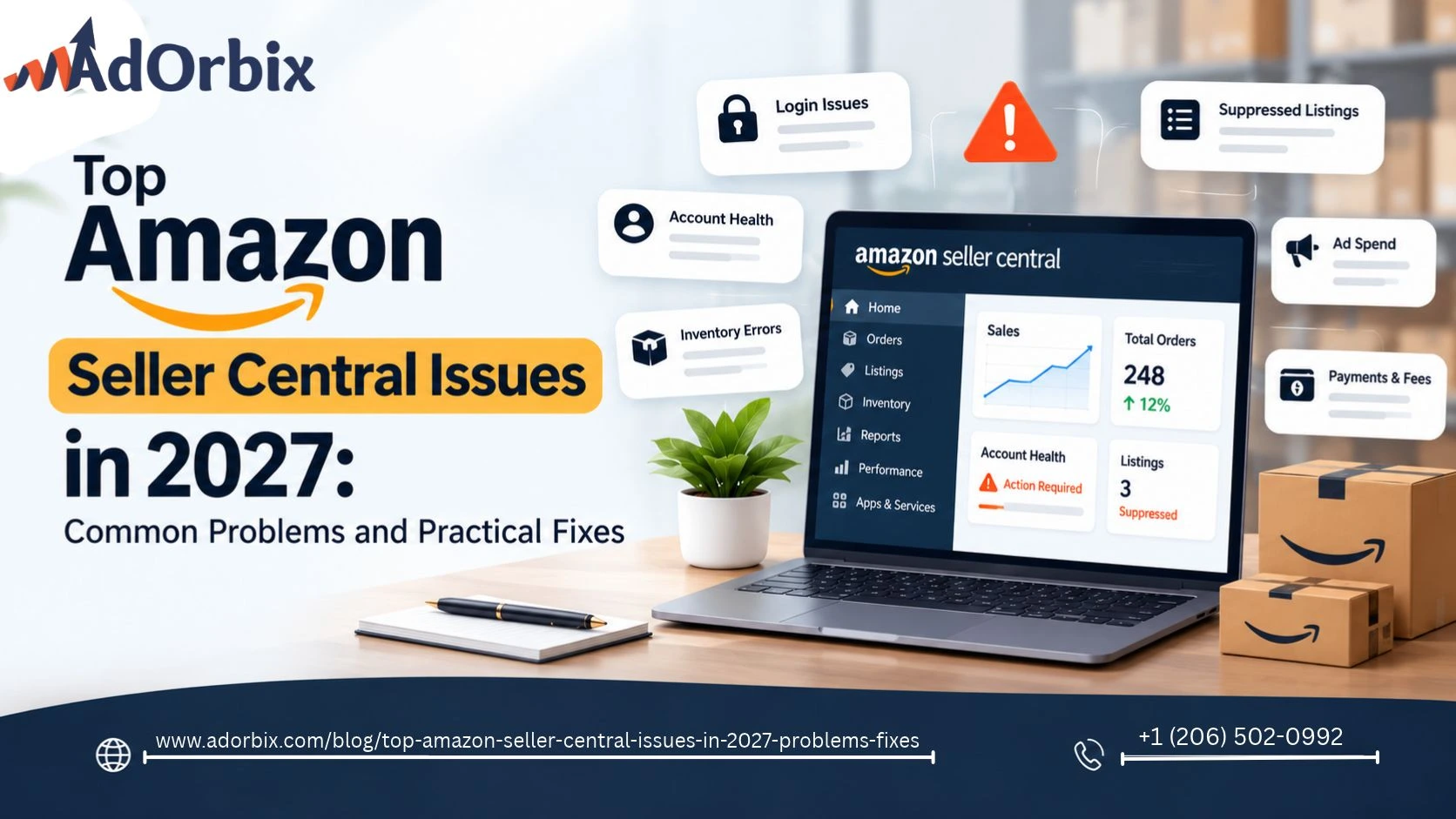
Top Amazon Seller Central Issues in 2027: Common Problems and Practical Fixes
Selling on Amazon may seem easy until some problem occurs with your listings, orders, ads or account status. For Amazon sellers in the US, even a small mistake in Amazon Seller Central can affect your sales or add additional workload to your team that is already busy with something else.
Fortunately, most problems become much more manageable if you know where to look for them and what information should be checked. The following guide will help you understand the most frequent Amazon Seller Central problems in 2027, their causes, and how to deal with them without any unnecessary efforts.
1. Amazon Seller Central Login and Account Access Problems
It is quite annoying when you experience login difficulties as you may not be able to access your orders, update stock levels, or communicate with your customers. Some reasons for login difficulties include:
Solution:
- Login through the official Amazon Seller Central login page.
- Reset password in case it was forgotten and check email id for security messages.
- Make sure your authentication or verification process is working.
- If a team account is being used, request your admin for permission details.
Don’t create another Amazon seller account only because you can’t access the original one. Multiple accounts might be subject to Amazon's policies and eligibility criteria. Solve the issue with accessing your current account first.
2. Listings Suppressed or Missing from Search
The Amazon listing can cease to be displayed through Amazon search results due to lack of certain information, discrepancies between product information and the data in the catalog, or due to violation of some category-specific requirement.
The first step would be to enter the Manage All Inventory page in Seller Central and examine all the listings that are either suppressed or inactive, and understand the problem.
Apart from being appealing, an effective Amazon product listing should have relevant details that will answer any question that a buyer may have.
If you are struggling with discoverability for your brand and need tips on how to improve it, please refer to our guide about Amazon A/B testing.
3. Account Health Warnings and Unexpected Deactivation
The issues related to account health need prompt action. Policy violations, infringement claims, authenticity concerns, and poor order performance may result in suspension of the selling privileges.
Go to the Account Health section and study all notifications thoroughly. Identify the product or policy under concern and collect all necessary documents. In case of an action plan, identify the source of the problem and the measures to be taken in order to solve the problem and prevent any further occurrence of it in future.
Do not submit any repeat appeals with the same invalid reasoning. Organize all invoices, supplier information, product information and communication.
Refer to the Official Account Health guide from Amazon to get an understanding of what you need to do. Professional sellers may also see if Account Health Support is available for their specific problem.
4. Inventory Errors and FBA Fulfillment Delays
Stock mismatches result in potential lost sales, unexpected shortages, and uncertainty about available stock levels. In the case of an Amazon FBA seller, stock issues can include inbound shipments, receiving issues, stranded stock or mismatches between actual stock versus Seller Central inventory.
Check your shipment status, shipment tracking, receiving status and inventory reports before creating a support ticket. In the case of stranded inventory identify the root cause and follow the suggested procedure to make the offer saleable again.
Create your replenishment plan by considering sales velocity, supply lead time and seasonality. If you are a seller running an Amazon FBA business consider storage and fulfillment fees while making decisions about shipping quantities.
Proper forecasting avoids the necessity for emergency shipping and ensures sufficient availability of best selling products. Usually it is much more beneficial to fix the root of recurring out of stocks rather than order additional inventory on a rush basis.
5. Amazon Fees, Payments, and Profitability Problems
Not all increases in sales result in increases in profits. The costs associated with referral fees, fulfillment, storage, returns, discounts, and marketing may reduce the revenue per sale.
Take a look at your transaction statements and see if there is a discrepancy between your product margin and actual expenses. This may be caused by fee modifications or marketing expenses.
Organize your sales, fees, inventory and campaigns through the use of an Amazon seller dashboard or through Amazon seller tools. Tools such as Helium 10 can be used for Amazon product research and listing processes, but ensure your finances through your own reports.
If there are a number of products being sold, then it is best to work out the profitability for each individual product.
6. Advertising Spend Is Rising but Sales Are Not
Amazon's advertising may quickly drain your budget if you use irrelevant searches for your campaigns or direct users to product listings that will not generate a conversion.
Check the reports on your search terms, campaign budgets, bids, placements, conversion rates and advertising cost of sales (ACoS). Use negative keywords if necessary, reduce unnecessary expenses and ensure that the promoted product is reasonably priced and has complete product details.
Do not evaluate the success of your campaign through the number of clicks alone. A campaign that drives traffic but does not make any money might require optimization in its targeting, listings, offer, or budgeting.
Amazon AI Campaign Intelligence - Guide provides information on the importance of using campaign intelligence for better decisions in ads.
7. Negative Reviews and Weak Conversion Rates
Lack of reviews, complaints or product details can deter potential buyers. Begin by examining customer Feedback to pinpoint trends concerning product quality, packaging, size, instructions or expectations regarding delivery.
Enhance the experience before putting further money into promotion. Request customer reviews using Amazon's approved review request practices and do not provide any sort of incentive for leaving positive reviews.
Product pictures, product titles and other eligible listing items can also be tested. This is explained in our Amazon Review Requests & Ads Guide.
8. Product Research and Choosing What to Sell
Relying solely on the popularity of a product to make your decision can prove dangerous. All kinds of factors influence how profitable a product is such as competition, sourcing cost, shipping cost, return policy, restriction, and advertisement cost.
Before you launch the product, estimate the demand, calculate the landed cost, evaluate the listing competition, and review the requirements for the category. The Amazon product research tools will aid you in discovering possible opportunities.
New sellers should also know the difference between FBA (Fulfillment by Amazon) and self-fulfillment. Learn about the costs and duties before buying inventory.
In case you are going to sell on Amazon, please check the requirements for registration and the existing fee schedule.
9. How to Prevent Recurring Seller Central Issues
Instead what can be done is creating a habit as opposed to looking out for an alarm system. This would entail checking account notifications, managing inventory, analyzing advertisement efficiency, reconciling payments and investigating consumer complaints.
Keep business documents up to date, limit the account access to only the allowed users and document any significant changes. In case there is an issue, document the error message, ASIN or order number and actions taken already.
Amazon sellers can take advantage of a growth strategy which will involve not only listing performance but also ad engagement, inventory planning, and consumer experience. The article “Amazon Full-Funnel Campaign Guide” touches upon the role that ad engagement may play in consumers’ purchasing journey.
Expert Tips for Staying Ahead on Amazon in 2027
List quality should be your number one competitive moat. In an industry in which algorithms, pricing, and competition change all the time, a listing that converts better than other listings into actual sales is the only long-term competitive moat you can have.
Create a brand outside of Amazon. A business on Amazon that runs completely inside the Amazon universe is susceptible to all changes in Amazon policies, platforms and algorithms. Establishing a brand through social media, emails and creating content builds up the resilience that other Amazon businesses lack.
Build your data architecture today. Amazon Attribution, Brand Analytics and effective conversion tracking on all channels provide the data necessary for sound decision making as conditions evolve. Without adequate data sellers must rely on their guesswork. With adequate data sellers can adapt accordingly.
Collaborate with specialists who reside within the Amazon ecosystem. The challenges of keeping up with Amazon in 2027, from advertising and listing optimization to account management, brand creation and even social commerce are too complex for most sellers to handle alone. The key factor that sets apart successful sellers from the rest is working with a proven Amazon account management agency such as AdOrbix.
Frequently Asked Questions
Why is my Amazon Seller Central account not working?
Review login error, authentication, account alerts, and user permissions. In case access is still restricted, follow the recovery process provided by Amazon.
What should I do if Amazon suppresses my listing?
Navigate to Manage All Inventory, identify the reason for the item being suppressed, rectify the mistake and then follow the instructions provided on Seller Central.
How can I improve Amazon sales without increasing my budget?
Ensure that the listings are correct, analyze the customer reviews, ensure that you have sufficient stock, and save yourself from spending money on ads.
When should I contact Amazon Seller Support?
Contact Support when you are unable to resolve your problem using the instructions on the dashboard, or there are inconsistencies in the records or the need for clarification regarding the policy notification.
Final Thoughts
Issues that can arise in the Amazon Seller Central problems can be almost anything that affects the functioning of any aspect of the e-commerce business. To handle the problem correctly, one needs to find out its real cause, take into account all related reports and notifications and react to evidence not to assumptions.
To ensure their accounts are healthy, keep proper listings, plan their inventory, and check the results of the advertisement campaigns, US sellers can minimize unnecessary disruptions for themselves in 2027.