.webp)
How to Optimize Your Amazon Listings for Rufus and AI Shopping Assistants
To optimize an Amazon listing for Rufus, write copy that directly and specifically answers the questions shoppers ask: who the product is for, what it is made of, what it fits, and how it is used. AI shopping assistants pull from your title, bullets, description, A+ content, Q&A, and reviews, so clear and consistent facts across all of them make your product easier to recommend.
What is Rufus, and why does it matter for Amazon sellers?
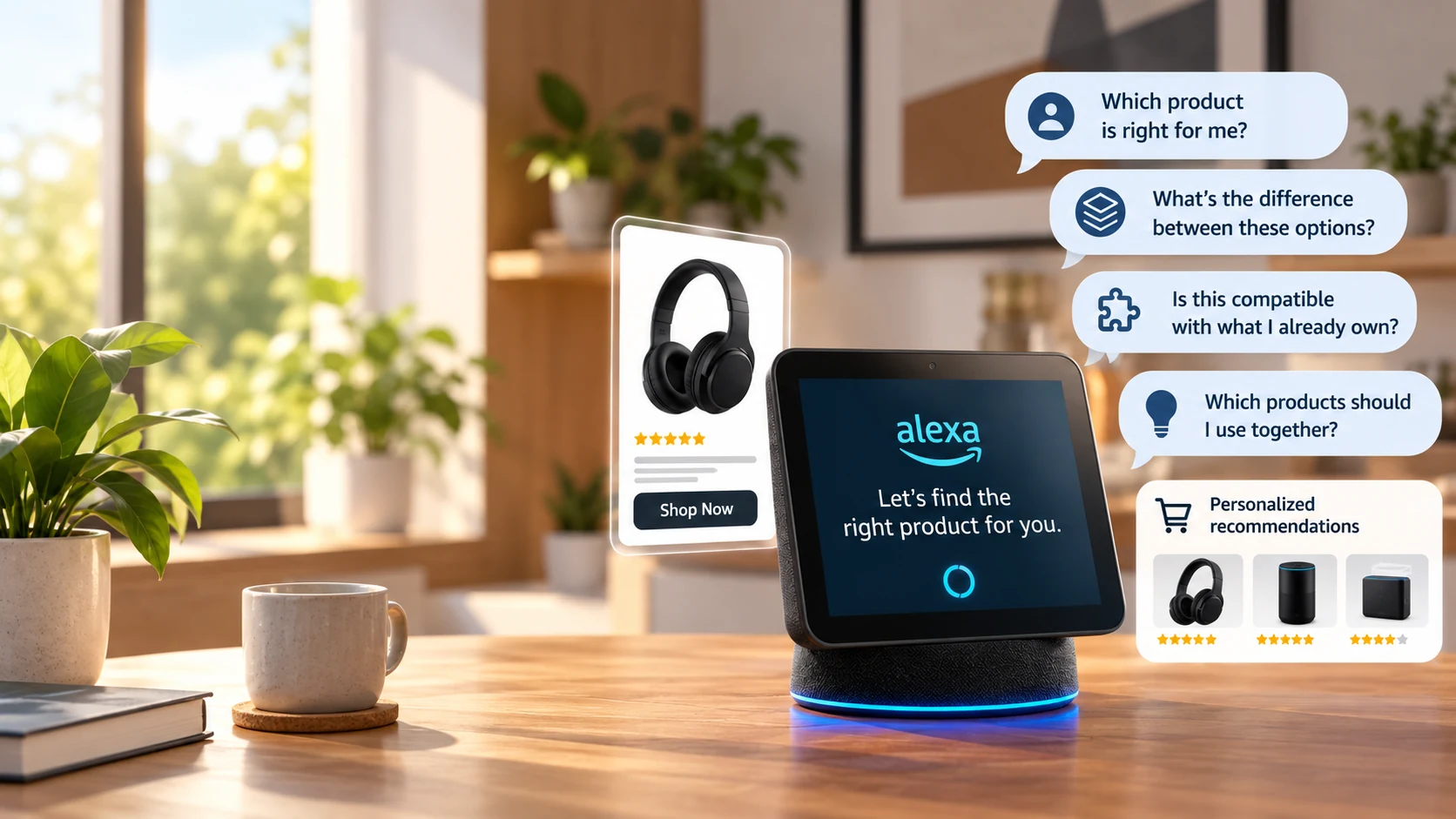
Rufus is Amazon's conversational shopping assistant. Instead of typing "men's waterproof hiking boots," a shopper can ask, "What are good boots for a wet weekend hike in the Pacific Northwest?" The assistant summarizes options and recommends products. Outside Amazon, ChatGPT and Perplexity are also being used for product research. For sellers, this shifts the goal from matching keywords to being the clearest answer. (Link to related post: Amazon listing optimization basics)
How do AI shopping assistants decide what to recommend?
Exact ranking signals are not public, so treat any guarantee with suspicion. What we can say from hands-on work is that assistants rely on information they can read and verify: product attributes, specific benefits, review themes, and consistent claims across the listing. Vague or contradictory copy is harder to summarize. Strong reviews and good conversion history still matter.
A practical Rufus-ready listing checklist
1. Fill every attribute in Seller Central
Material, size, color, compatibility, age range, certifications. Missing attributes are missing answers.
2. Write bullets that answer questions
Lead each bullet with a benefit, then back it with a specific fact: "Fits TVs up to 65 inches, VESA 400x400 compatible."
3. Use A+ content to cover use cases and comparisons
Add comparison charts, "who it's for" sections, and clear images with readable text.
4. Mine reviews and Q&A for the language buyers use
Reviews reveal the questions your copy should answer. Reflect those phrases honestly in your content.
5. Keep claims consistent and accurate
Conflicting dimensions or claims across title, bullets, and images erode trust and conversion.
6. Pair it with strong PPC and a healthy account
Better listings improve ad conversion, but fundamentals like inventory availability and account health still decide whether you get seen. (Link to related post: Amazon PPC fundamentals)
Common mistakes sellers make
Keyword stuffing, copying a competitor's bullets, leaving attributes blank, and ignoring negative review themes. Each makes a listing harder for both shoppers and AI to trust.
How long does it take to see results?
Content changes can be indexed within days, but conversion and ranking effects usually take a few weeks to show. Track click-through rate, conversion rate, and session share before and after.
Need a second set of eyes? Our team at Adorbix audits listings for AI-era discovery, and we are happy to talk through yours. Reach out any time.
Key Takeaways
- AI assistants recommend products they can clearly understand; specificity wins.
- Complete every attribute and keep claims consistent across the listing.
- Write bullets that answer real buyer questions, using review and Q&A language.
- Use A+ content for use cases and comparisons.
- Track CTR, conversion, and session share to measure impact.
- Questions? Contact Adorbix for a listing audit.